“Ergonomic” is a claim to investigate
Ergonomics studies the relationship between people and the systems they use. That includes physical effort, but also perception, understanding and the organization of work. A comfortable-looking tool can still be confusing. An intuitive control can still demand too much force. The useful question is not whether an object looks ergonomic, but whether it suits a particular user doing a particular task.
People differ in hand size, strength, range of movement, sensation and experience. They also change over time. Gloves, wet hands, fatigue and the height of a work surface can alter an otherwise familiar interaction. A design tested only by its maker can miss much of that variation.
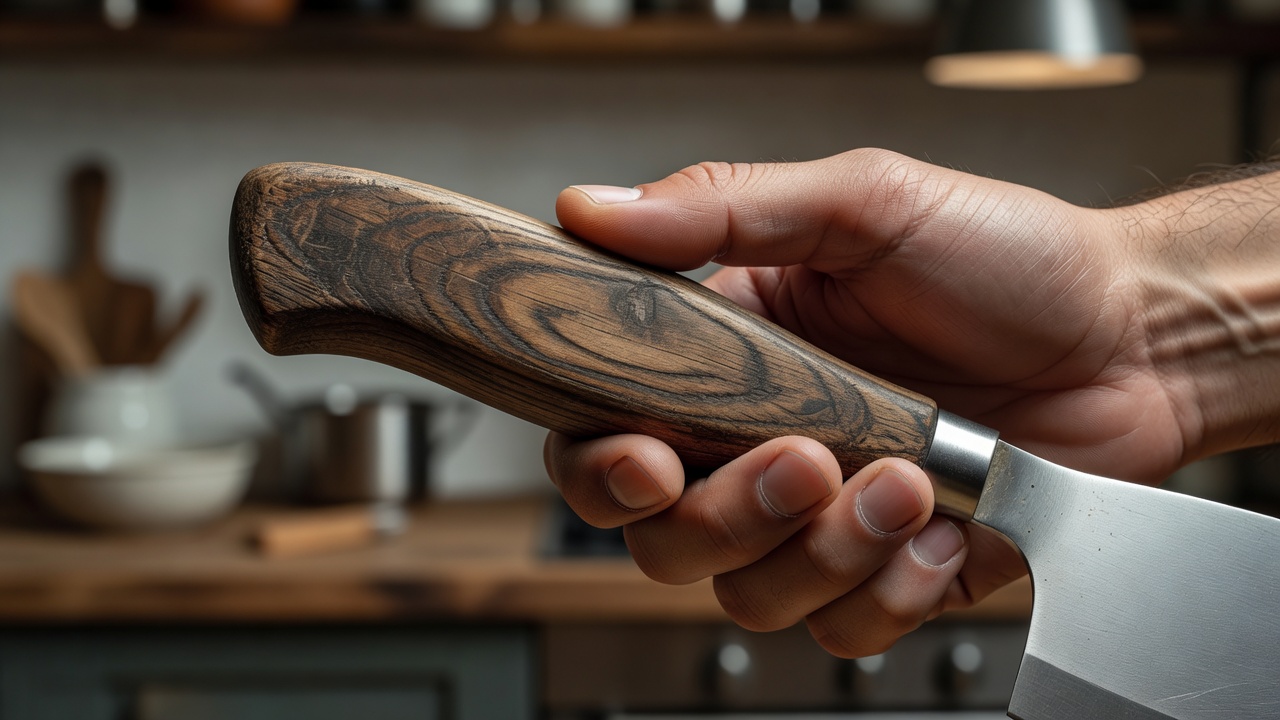
The grip is a force connection
A very narrow handle can concentrate pressure into a small area. Increasing its size may spread that pressure and allow a different grip. But larger is not automatically better: an oversized handle can be difficult to wrap fingers around, especially for someone with smaller hands or limited movement.
Surface texture affects how much squeezing is needed to resist slipping. A grippy material may help under some conditions, yet become sticky with age or difficult to clean. Hard grooves can locate the fingers but force them into positions that do not fit every user. Evaluate the contact surface during the actual task, including the cleaning stage.
OXO’s account of its Good Grips range begins with Sam Farber noticing the difficulty his wife Betsey experienced using a conventional peeler. The product family launched in 1990. The important lesson is not that every handle should copy its appearance. It is that a specific difficulty became the starting point for a broader design response.
Change the angle, not just the padding
The direction of the working force matters. An offset handle can sometimes let the wrist remain closer to a neutral position while the blade or working end reaches the surface. That benefit depends on the motion, the user and the orientation of the work. A bent handle that helps one cutting action might obstruct another.
Leverage can reduce required force while increasing travel. A long handle on a jar-opening aid may help turn a lid, but the user still needs to stabilize the jar and find room for the movement. Evaluating only the force at one hand leaves half the interaction unexplained.
Do not repeatedly test a painful motion to prove that a tool is unsuitable. Stop if a task causes pain, and seek appropriate professional advice for persistent symptoms. This site explains design principles; it does not prescribe treatments or certify products as safe for an individual condition.
Make the action legible
Don Norman’s The Design of Everyday Things is useful here: discoverability, feedback and the relationship between controls and outcomes shape everyday use. A handle can suggest where to pull. A visible latch can reveal whether it is engaged. A click may confirm an action, although sound alone excludes people who cannot hear it or are working in a noisy space.
Combine cues where possible. A change in position, a tactile stop and a clear visual indicator can reinforce one another. Avoid assuming that color alone communicates status. Contrast, readable labeling and a distinct physical state can make an object easier to understand without requiring perfect vision or prior familiarity.
Compare fit across the complete task
| Design move | Potential benefit | Possible compromise |
|---|---|---|
| Broader grip | Spreads contact pressure | May be too large for some hands |
| Textured surface | Can reduce slipping | May retain dirt or wear unevenly |
| Longer lever | Reduces input force in suitable geometry | Needs more movement and clearance |
| Multiple status cues | Makes outcomes easier to perceive | Needs consistent, unambiguous implementation |
Inclusive design is not a promise that one fixed object fits everyone. It is a commitment to noticing exclusion, involving varied users and providing alternatives where a single form cannot reasonably accommodate the range. Adjustability, left-handed options and replaceable working parts may matter more than a sculpted grip.
Before choosing a tool, consider its weight, balance, required force and storage location alongside its handle. A well-designed object should reduce the burden of the real task, not simply feel pleasant during a few seconds in a shop.
Follow the ideas
Read the International Ergonomics Association for the scope of the discipline, OXO for the company’s product history, and Don Norman’s writing for human-centered design concepts. ISO publishes ISO 9241-210 on human-centred design for interactive systems; it is a process reference, not a certification of the tools discussed here.